






Enterprise Application
 Chand Prakash
23 October 2026
Chand Prakash
23 October 2026
MCP integration for enterprise applications: architecture, use cases, security, and implementation
 Chand Prakash
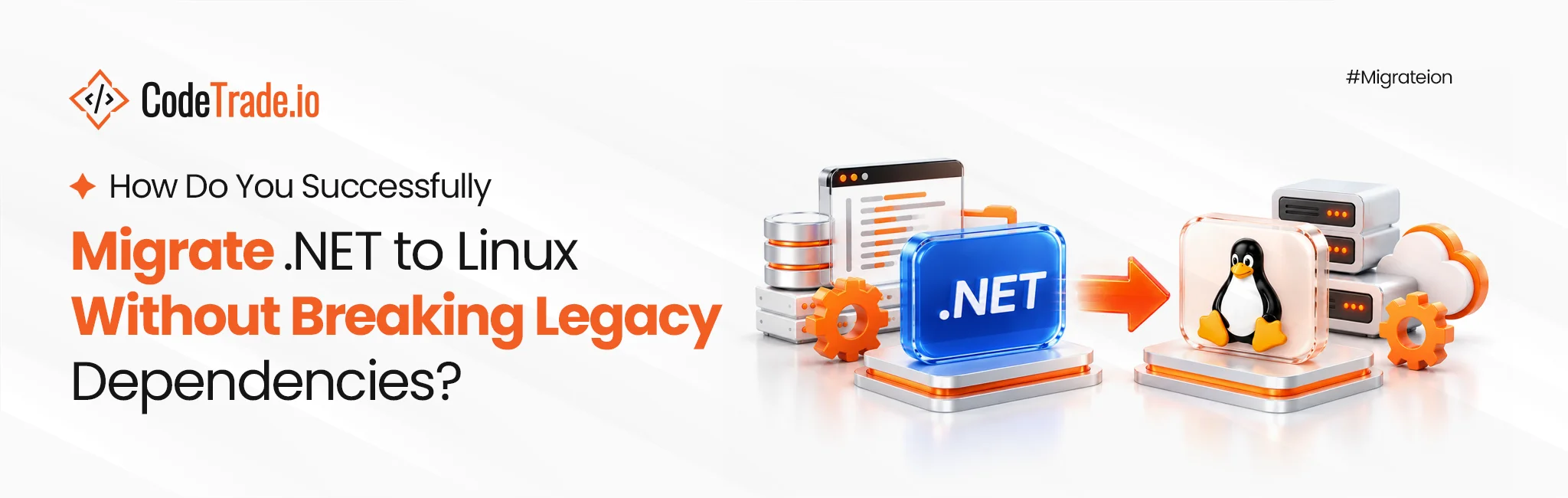
The runtime moves in an afternoon but legacy dependencies take much longer. Modern frameworks handle running .NET on Linux without fundamental runtime issues. The real obstacle during a Windows to Linux migration involves quiet dependencies hidden inside older codebases.
Teams treating a .NET Linux migration purely as an infrastructure task consistently struggle. They discover actual work involves application code written against legacy Windows APIs. Deploying .NET on Linux Containers requires finding these technical blockers early. This enterprise guide covers how to locate those specific architectural blockers cheaply.
It also details which base images to choose for secure .NET container deployment. Readers will learn exactly where true hosting savings originate during .NET application modernization. Teams still evaluating target versions should review the comprehensive .NET 10 LTS guide first. Those operating older systems should read the framework migration playbook before proceeding.
Technical leaders must proactively identify specific legacy dependencies before executing any major shift toward modern container orchestration environments. Four distinct categories cover the overwhelming majority of real architectural blockers. None involve the actual framework runtime.
System.Drawing.Common remains the most frequent technical offender. It became strictly Windows-only from version six onward. This dependency surfaces in codebases generating thumbnails, barcodes, PDFs, or report images. The standard fix requires a library swap to ImageSharp or SkiaSharp. This remains straightforward work that requires identification before scheduling.
Microsoft.Win32.Registry access represents the second major hurdle. Configuration data stored in the registry requires immediate relocation. Teams must move this data to environment variables or dedicated secret stores when they migrate .NET to Linux.
Windows Integrated Authentication and NTLM fail completely inside a Linux environment. Applications relying on strict domain identity require a different security model. Teams typically implement OpenID Connect against Entra ID for .NET enterprise containers. Kerberos requires explicit configuration where domain relationships must be preserved. This authentication shift is often the largest engineering item. It touches every single system entry point rather than one isolated library.
Linux paths remain strictly case-sensitive and utilize different directory separators. Hard-coded paths and file lookups breaking case rules fail immediately during a .NET Linux migration. Path operations assuming backslashes will also cause severe operational issues. These specific technical failures often appear intermittently under load. That unpredictability makes them incredibly expensive to diagnose late.
COM interop capabilities and Windows-only NuGet packages act as hard blockers. Native external DLLs lacking proper Linux builds also prevent transitions. Disappeared vendors leave teams without any viable upgrade path. Organizations must replace these outdated components entirely during a Windows to Linux migration. Otherwise, that specific workload must remain on older legacy infrastructure.
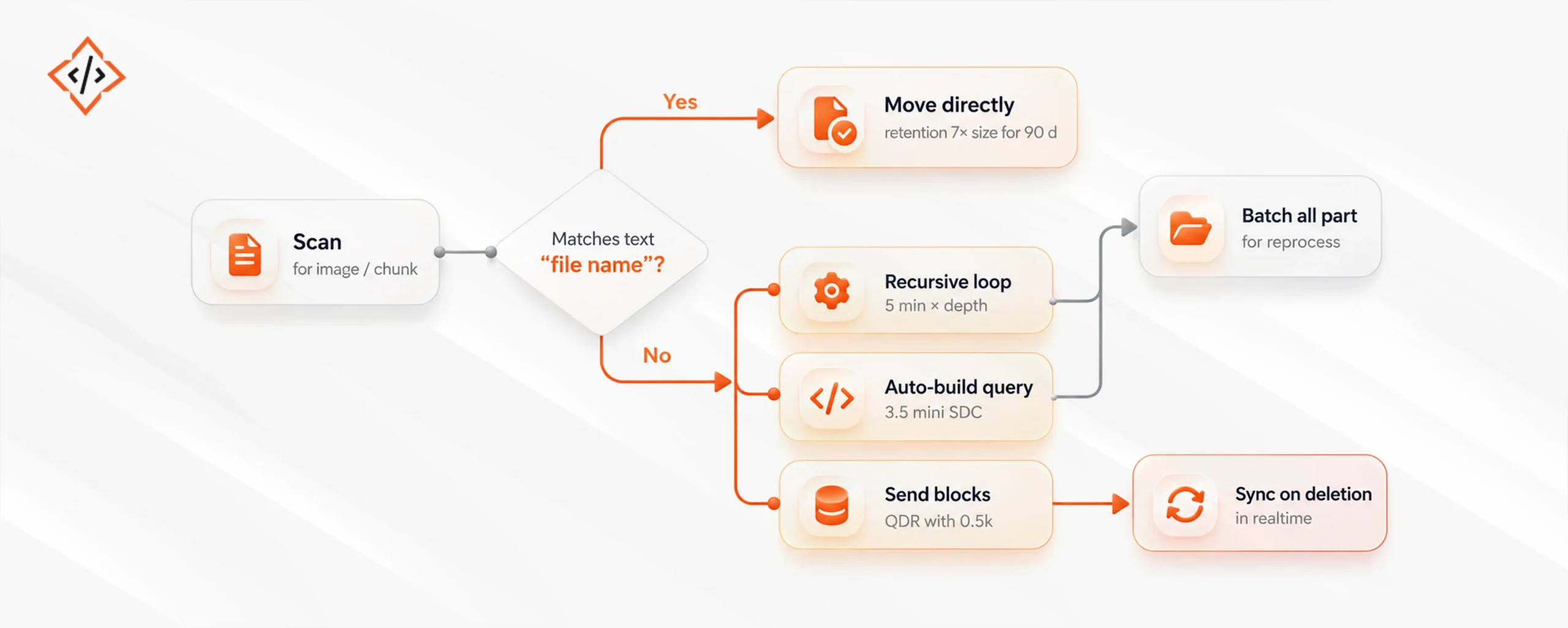
Proper dependency classification directly determines your overall execution schedule. Only genuine hard blockers should keep a workload on Windows servers.
Discovering hidden architectural barriers early prevents massive budget overruns during complex application migrations to modern containerized hosting environments. Two free development tools can identify most technical blockers in one day.
The built-in SDK platform compatibility analyzer flags legacy Windows-only API usage at build time. The classic .NET Portability Analyzer performs similar checks. Configure the <TargetPlatform> property appropriately and treat CA1416 warnings as strict errors. This converts potential runtime surprises into immediate compiler failures during .NET application modernization.
The second method involves executing your existing test suite on Linux within CI pipelines. Adding a dedicated Linux job costs almost nothing regarding engineering effort. It instantly surfaces critical path-casing and file separator bugs. Teams implementing this step early find unpleasant defects during active development. Fixing these issues remains incredibly cheap at this stage.
Both tools produce a comprehensive technical inventory. This lists every Windows-only call site alongside a required engineering decision. This exact inventory makes honest project estimation genuinely possible. It must exist before starting any Linux container migration infrastructure work.
Selecting the proper container base layer directly determines the overall security posture for your modernized enterprise hosting environment. Microsoft publishes several official images. The final choice matters significantly more for security than for simple disk usage.
| Image | Approx. Size | Shell / Package Manager | Best For |
|---|---|---|---|
| mcr.microsoft.com/dotnet/aspnet (Debian) | Largest | Yes | Default choice making debugging easiest |
| -alpine | Small | Yes (busybox/apk) | Size-sensitive workloads requiring musl libc |
| -jammy-chiseled | Very small | No | Production services seeking a strong default |
| -noble-chiseled-extra | Very small | No | Chiseled setups needing globalization and TLS |
| Native AOT + chiseled | Smallest | No | Short-lived and high-density hosting services |
Three specific architectural points matter considerably more than raw size metrics.
Organizations running a single small application on Windows should not hire .Net developer specialists for this transition. Migration will eventually cost more than it saves. The infrastructure density argument only works efficiently across a larger application fleet.
If the compatibility analyzer returns clean results and tests pass within a Linux CI pipeline, internal teams have finished the hardest phase. Internal engineering groups can handle .NET cloud migrations independently.
If Windows Integrated Authentication blocks progress across a domain-joined estate, technical leaders must consult their identity teams regarding OpenID Connect. That specific security architecture work sits completely upstream of any container configuration tasks.
Three separate technical effects often get conflated into a single claim that running .NET on Linux is cheaper. These factors scale differently.
The honest caveat remains that none of this transition comes free. Operational tooling, monitoring agents, base image policies, and team familiarity must adapt simultaneously. Organizations running one small system often discover the Linux container migration costs exceed the savings. Large enterprise fleets are exactly where this financial arithmetic actually works.
Successful migrations require adapting your existing operational practices immediately to ensure complete stability across modern cloud hosting environments. Four critical things change immediately on day one. Planning for these operational shifts ensures a completely smooth cutover period.
Need help sizing this specific operational work? The standard .NET modernization cost breakdown puts accurate financial figures against these items.
Chiseled images serve as the recommended default for .NET Linux containers. However, technical leaders frequently underestimate the initial operational cost for engineering teams.
Lacking a shell eliminates familiar debugging habits immediately. When production systems misbehave, engineers reflexively attempt interactive container execution. They try checking filesystems or running local network requests. None of these traditional troubleshooting methods actually work. The container holds your application and effectively nothing else.
Engineers should ideally avoid debugging through interactive shells anyway. Structured logs, metrics, and dedicated monitoring tools handle diagnostics properly. Both statements remain entirely true. Yet neither helps during critical late-night production incidents. Teams frequently lose valuable mitigation time discovering this missing shell access.
Chiseled images become a strong default only after establishing robust observability. Adopting them prematurely trades future security improvements for necessary operational capabilities. The correct sequence requires implementing proper instrumentation before adopting chiseled configurations during .NET modernization. Organizations often reverse this exact order because updating base images feels easier.
The runtime never blocks workloads during a Windows to Linux migration. Hidden Windows APIs, domain authentication, and unmaintained native components cause actual delays. Teams must identify these specific blockers using compatibility analyzers. Running a Linux CI job creates an accurate dependency inventory immediately.
Classify each finding carefully before starting any .NET application migration. Genuine hard blockers dictate exactly which workloads require legacy hosting. Implement robust observability before adopting chiseled base images. Removing the shell removes security risks but eliminates traditional debugging routes entirely. Financial savings consistently originate from infrastructure density rather than simple licensing changes. This reality makes memory footprint crucial when deploying .NET on Linux Containers.
Plan mandatory operational changes regarding configuration and health probes early. Finalize structured logging and certificate handling with specialized .NET development services before production cutover.

 Chand Prakash
 Chand Prakash
 Hardik Soni
 Bhavesh Kachadiya
 Bhavesh Kachadiya