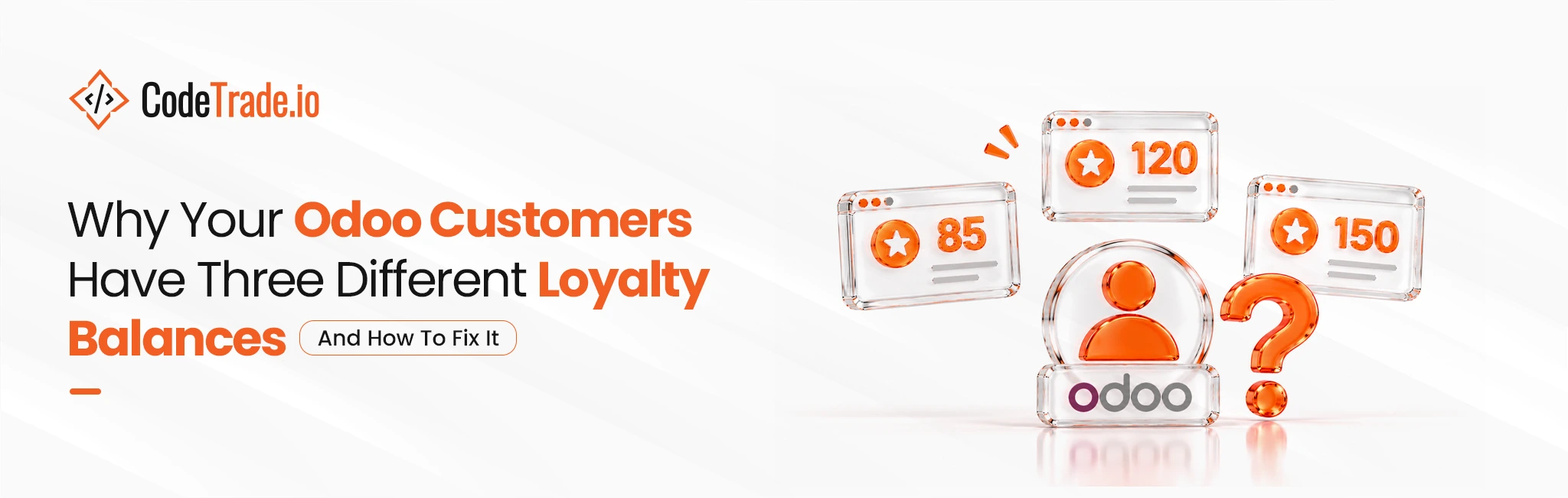
Odoo Development 20 November 2026Why your Odoo customers have three different loyalty balances (and how to fix it)
Key takeaways:
- Odoo’s Discount and Loyalty app can run one program across Sales, Point of Sale, and Website. So split balances usually come from setup choices and not a product limit.
- Odoo stores points on a loyalty card tied to one customer and one program. As a result, duplicate contacts or duplicate programs create extra balances.
- POS orders with no customer, channel limits, multi-company setups, and old third-party modules also cause drift.
- A safe fix audits and merges existing balances before any program logic changes.
- Custom work is needed only when business rules go beyond the standard program.
A customer earns points in the store, logs in to the website, and sees a different number. For the business, this is more than a screen bug.
An Odoo loyalty program only works when customers trust the number they see, in the store and online.
This guide explains where Odoo keeps loyalty points and why balances split. It also shows how to find the cause and how to merge balances without losing points customers already earned.
Why mismatched balances cost more than goodwill
Loyalty programs already struggle with redemption.
According to Antavo’s Global Customer Loyalty Report 2026, 26.2% of US consumers’ loyalty points go unspent, and 11.9% expire unused, an estimated $10 billion in lost savings each year. A split balance adds one more problem at the exact moment a customer tries to redeem.
Customers also care more about easy rewards than before. In Bond’s 2026 Loyalty Report data, the importance of “ease of receiving and claiming rewards” rose from 69% in 2025 to 73% in 2026.
- Lost repeat visits: Customers who doubt the balance stop checking it, so points stop driving the next visit.
- Manual overrides: Cashiers give discounts by hand to settle disputes, which breaks the program’s rules and reports.
- Unrewarded revenue: Phone, quote, and B2B orders that earn no points give those buyers no reason to come back.
Where Odoo stores loyalty points
Since Odoo 16, loyalty, coupons, gift cards, and promos live in one Discount and Loyalty app.
Each program has an “Available On” setting with checkboxes for Sales, Point of Sale, and Website. It also has fields that limit the program to certain websites, certain POS shops, or one company.
Points are not kept on the order or the channel. Instead, Odoo keeps them on a loyalty card, and each card belongs to one customer and one program.
So the rule is simple: one customer plus one program equals one balance. Any setup that breaks either half of that rule creates a second balance.
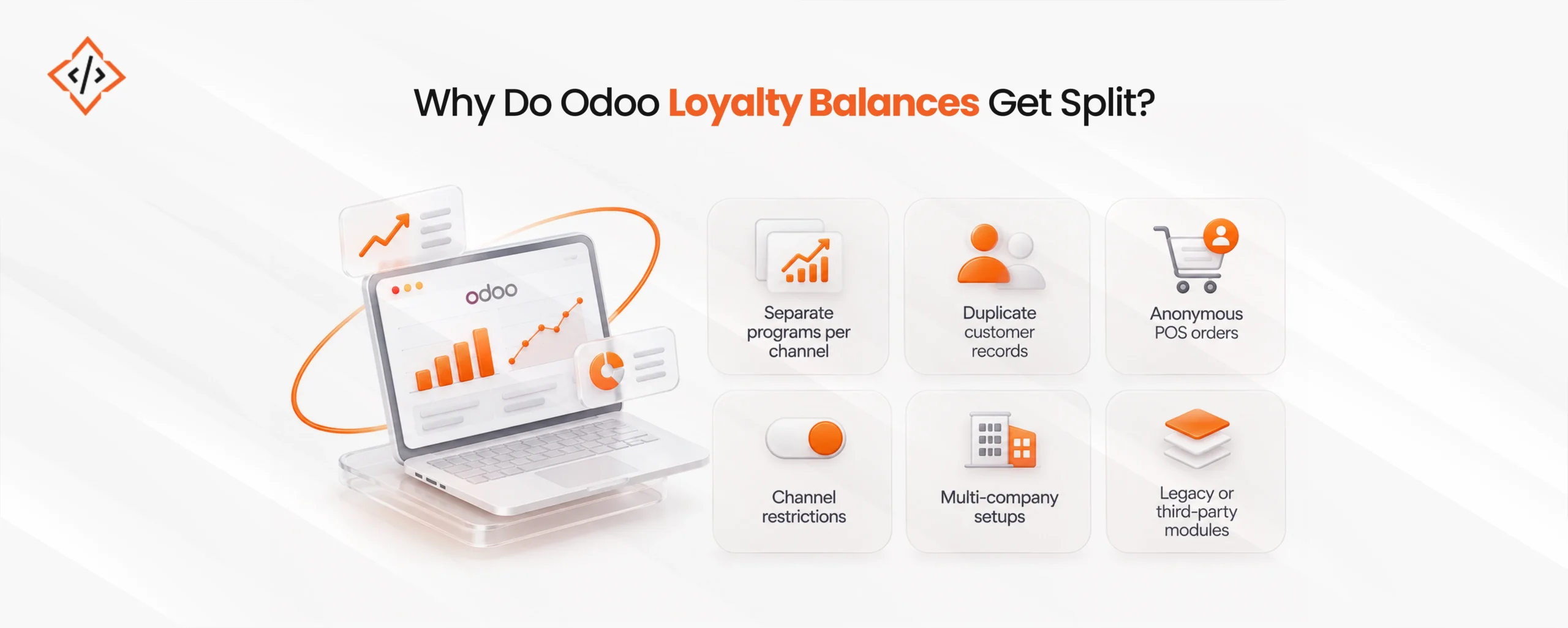
The six causes of split Odoo loyalty balances

Most split setups trace back to one or more of these causes.
- Separate programs per channel: One program covers POS, and another covers the website, often because different teams set them up at different times. Each program then issues its own card.
- Duplicate customer records: A walk-in buyer gets a new contact at the POS, then creates a second account online. Odoo treats them as two customers with two cards.
- Anonymous POS orders: If the cashier does not pick a customer, the order earns no points for anyone.
- Channel restrictions: If a program leaves Sales unchecked or names only one website or shop, it quietly excludes the rest.
- Multi-company setups: A program tied to one company does not apply to orders from a sister company or a second brand.
- Legacy or third-party modules: Databases upgraded from Odoo 15 or earlier, or ones that run separate loyalty apps for POS and eCommerce, often keep two point ledgers side by side.
In practice, duplicate contacts cause more split balances than any single setting. However, this cause is the easiest to miss, because each record looks fine on its own.
Odoo loyalty program diagnostic table
The table below maps what customers and staff report to the likely cause and the place to check in Odoo.
| Symptom | Likely cause | Where to check |
|---|
| Store balance differs from website balance | Separate programs per channel | Discount and Loyalty: count active loyalty programs |
| Same customer shows two balances | Duplicate contacts | Contacts: search by phone and email |
| In-store purchases earn nothing | No customer selected at POS | POS orders without a customer |
| Phone or B2B orders earn nothing | Sales not enabled on the program | Program form: "Available On" |
| One shop or site never earns | Program limited to specific POS or websites | Program form: Website and Point of Sale fields |
| Second brand's buyers earn nothing | Program tied to one company | Program form: Company field |
| Points appear in a separate menu | Third-party loyalty module | Installed apps list |
How to fix it without losing earned points
Customers worry about one thing first: what happens to the points they already have.
The order of the steps decides the answer. Switching program rules before merging balances is what makes points vanish overnight.
- Freeze changes: Pause new programs and price rules until the fix is live.
- Export every balance: Pull all loyalty cards with customer, program, and points into one sheet.
- Merge duplicate contacts: Use Odoo’s contact merge tool, then check which loyalty cards each merged customer now holds.
- Agree on one rule set: Finance, store, and online teams should agree on one earn rate, one redeem rate, and one expiry rule.
- Create one opening balance: Combine each customer’s cards into one balance on the new program, and keep the old values for audit.
- Switch the program on: Turn on Sales, Point of Sale, and Website for the new program, and archive the old ones instead of deleting them.
- Test with real customers: Place one order in each channel for a few customers and check that the balance moves the same way everywhere.
For databases with years of history, several companies, or old third-party modules, this move is safer as a planned project.
An experienced Odoo development team can script the merge, check every balance, and keep a clear record of what changed.
Configuration fix or custom development?
Many businesses fix split balances with settings alone. Others need custom Odoo development services because their rules go beyond the standard program.
Configuration is usually enough when:
- Channels are standard: Sales, POS, and Website in one company need one shared program.
- Rules are simple: One earn rate and one reward catalog apply to every customer.
- Data is clean: There are few duplicate contacts, and staff can merge them by hand.
Custom development is usually needed when:
- Rules differ by channel: B2B sale orders need other earn rates or approval steps than retail sales.
- Tiers matter: Silver, gold, and platinum levels need to move up on their own based on yearly spend.
- Brands share points: Several companies or brands need one pooled balance.
- Channels sit outside Odoo: Points also come from a mobile app, a marketplace, or another online store.
- Data is large: Thousands of balances need a scripted and tested merge.
For ongoing work like this, some businesses hire an Odoo developer on a dedicated basis, so loyalty rules, reports, and links to other systems keep pace as the program grows.
What a unified setup looks like day to day
When one program covers every channel, staff and customers see the same picture.
- At the counter: The cashier finds the customer by phone number, and the POS shows the same points the customer sees online.
- On the website: The customer portal shows points from store visits, online orders, and sales team orders in one total.
- On sales orders: Phone and B2B orders earn points on the same card, and reps can apply rewards from the order.
- In reports: Managers see points issued and redeemed by channel in one place, so gaps show up early.
How to keep balances unified
A clean setup can drift again within months. A few habits prevent that.
- Require a customer at POS: Train staff to search by phone number before they add a new contact.
- Run a monthly duplicate check: Search for repeated phone numbers and emails and merge them.
- Review program settings after upgrades: Check the “Available On” and company fields after each Odoo upgrade.
- Track one report: Watch points issued and redeemed by channel, since a sudden gap often means a new split.
One customer, one balance
An Odoo loyalty program should show one number everywhere a customer shops.
In most databases, the split comes from duplicate programs, duplicate contacts, or narrow channel settings.
A short audit finds each of these. Once balances are merged in the right order, the program can do its real job, which is bringing customers back.

Give every customer one loyalty balance across store, website, and sales.

FAQs
Usually, the store and website run separate loyalty programs, or the customer has two contact records. Odoo stores points per customer per program, so either issue creates two separate balances.
Yes. Since Odoo 16, one loyalty program can be enabled for Sales, Point of Sale, and Website together, so balances stay shared as long as the setup uses one program and one customer record.
Not if balances are exported, merged, and loaded as opening balances before the new program goes live. Points disappear only when teams switch program logic first and reconcile afterward.
Yes, when sales is enabled under "Available On" in the loyalty program. If B2B orders need different earn rates or approval steps, that usually requires custom Odoo development.
Compare one repeat customer's balance at the POS and on the website, then count active loyalty programs and duplicate contacts. Any mismatch points to separate programs or separate customer records.
Hardik Sonii is the CEO and Sales Director at CodeTrade's official Odoo Partner operation in Dubai. He works across Odoo, AI/ML, Python, Django, and e-commerce, and has spent years helping businesses in the Middle East adopt technology that fits their scale and industry requirements.




 Hardik Soni
20 November 2026
 Hardik Soni


 Chand Prakash