






Odoo Development
ERP
 Hardik Soni
03 September 2026
Hardik Soni
03 September 2026
How Should Mid-Market Teams Plan an Odoo 18 to Odoo 19 Upgrade?
 Hardik Soni

Did you know that about 50% of ERP implementations fail on the first attempt?
If you are preparing a migration to Odoo, you need a detailed ERP migration checklist to guide you step by step.
This blog will walk you through a full migration roadmap, share essential Odoo data migration best practices, and highlight the pitfalls to avoid so your upgrade doesn’t become another statistic!
A successful upgrade or version jump isn’t just about switching code. It’s about planning, validation, cleanup, testing, and making sure your team doesn’t wake up to broken dashboards the next day.
Below is the complete Odoo migration checklist broken down into simple sections you can follow step by step.
Before you touch anything technical, lock these pieces in place. This stage sets the tone for the whole project.
Are you upgrading versions? Consolidating modules? Moving from another ERP to Odoo entirely?
Define it clearly. This helps determine how deep the Odoo migration effort will be and how much
data preparation is needed.
Analyze current modules in detail. This helps you understand the real complexity before
your Odoo ERP migration.
Clean up early. A big part of Odoo data migration is removing clutter so you don’t carry
forward a messy database.
Once you have locked your scope, freeze configuration changes in your old system.
This prevents version mismatches during migration.
If your internal team doesn’t have Odoo expertise, this is the point where you bring in
an official partner like CodeTrade.io. We ensure your migration checklist is followed
without missing critical technical steps.
Now we step into the developer side of things.
Study the differences between your current Odoo version and the one you are migrating to. Compare feature changes, deprecated modules, and new framework updates.
Every custom module must be reviewed, refactored, or rewritten. This is usually the most time-consuming part of an Odoo migration service.
Old hacks won’t survive new versions. Developers clean, reorganize, and rewrite code to make it compatible and more stable.
Set up your new environment (staging + production). You will want a setup that can handle the new version’s performance requirements.
Schema differences between versions can cause issues if not mapped properly. This step supports clean Odoo database migration and keeps your tables consistent.
This stage decides whether your migration feels smooth or chaotic.
Never touch a database without a verified backup. It’s the golden rule in any data migration checklist.
Old fields vs new fields. Custom fields vs standard ones. This mapping step prevents errors like mismatched customer IDs or missing transactions.
Remove junk entries, duplicated contacts, irrelevant logs, and unused products. A clean base ensures you migrate database records smoothly without dragging unnecessary load.
Before full migration, test small batches. This catches early issues with formatting, missing fields, or broken relationships.
Once your data is migrated and your modules are upgraded, the next big step is making sure everything actually works the way your team expects.
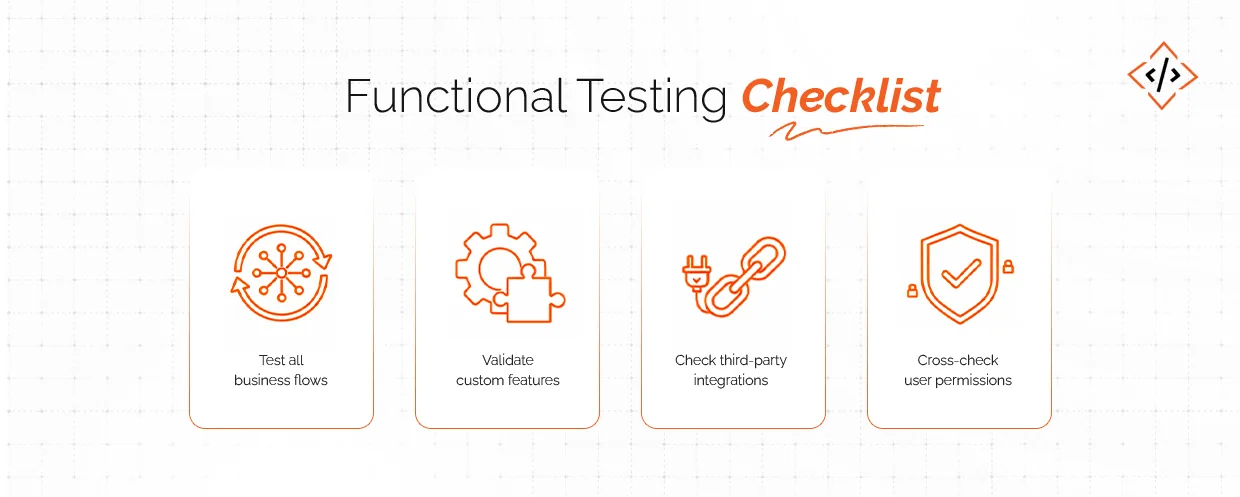
Sales → Purchase → Inventory → Accounting → HR → CRM. Walk through every flow just like a real user would. This confirms your Odoo migration service is successful and is working exactly as expected.
Test custom buttons, reports, automation rules, approval flows individually. These often behave differently after an upgrade.
Ensure all the API based tools like payment gateways, shipping tools, marketing apps, WhatsApp connectors are perfectly working.
A small conflict in access rights can block entire teams. Test roles, groups, and record rules across departments.
This is your last chance zone before pushing the new system into production.
If your old system was still active during testing, migrate the last batch of updated data. This keeps your Odoo data migration fully up-to-date.
Check load times, page speeds, and large record operations. A migration is successful only if the new version performs better than the old one.
Even a clean ERP migration checklist can hide small warnings. Developers check logs to ensure your new system runs without hidden faults.
Give your team a quick walkthrough of new UI changes, features, and updated flows. The smoother the training, the faster the adoption.
Stakeholders sign off on the final system. This removes last-minute confusion and makes the launch structured.
Going live doesn’t mean the work is over. The real test begins after launch.
Look at speed, stability, worker load, and server metrics for the first 48–72 hours. This is where potential errors from the Odoo database migration show up.
Small issues like broken filters, missing fields, small permission hiccups, etc., can come up. Address them fast to avoid user frustration.
Reconcile key reports:
– Trial balance
– Stock valuation
– Pending invoices
– Open purchase orders
These confirm that your data migration checklist was executed correctly.
People will ask questions. Keep your functional team, developers, and admin on standby during the first week.
Update your internal documentation for new processes, module changes, and new workflows introduced during the Odoo migration.
A smooth migration is about discipline and a clear approach. If you follow these ERP data migration best practices, your transition will feel predictable instead of stressful.
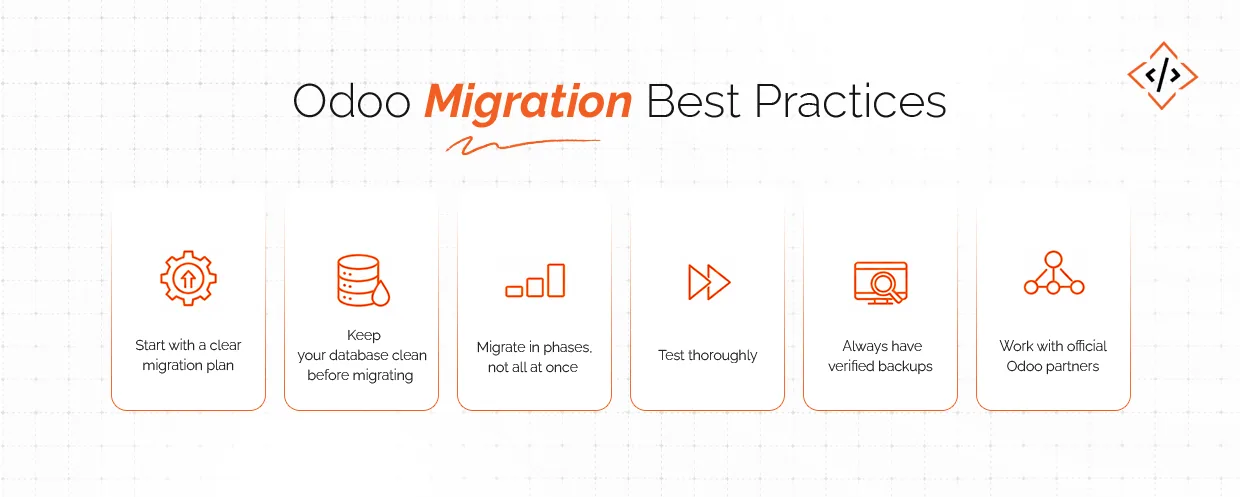
Don’t jump into technical work too soon. Define scope, modules, timelines, risks, and dependencies. This makes your Odoo ERP migration structured instead of chaotic.
A clean base means faster migration, fewer errors, and happier users.
First, the development environment, the staging, and then production. This layered flow gives you time to test, fix, and validate safely.
Testing is where most hidden issues appear. A strong migration checklist keeps you on track.
You never want a situation where data goes missing and you can’t recover it. A backup is your safety net. It is non-negotiable for any Odoo migration database process.
Official Odoo partners like CodeTrde.io understand the architecture, dependencies, and upgrade quirks. It saves weeks of rework and avoids migration risks. Working with a partner who provides end-to-end Odoo development services ensures your custom modules, integrations, and workflows work flawlessly after the upgrade.
Even experienced teams slip up here. Avoid these pitfalls and you will save hours of debugging later.
Migrating messy data means your new system starts with old problems. Duplicates, outdated contacts, wrong product variants, etc., can slow you down post-migration.
Every version upgrade changes Odoo’s framework. Custom modules must be rewritten as per the current requirement and not dragged forward blindly.
Users are the ones who run the system daily. If they don’t test early, you will face a flood of complaints after go-live.
Going live too quickly is the easiest way to break operations. So take your time, follow the best practices to the core, and then go live.
All the third-party integrations you have used need revalidation. Ignoring this step can create silent failures.
Compromising on choosing a partner can actually cost you more. You need to verify how capable they are when it comes to speed, accuracy, and avoiding downtime. Businesses often realize this late. Many teams underestimate how different each Odoo version is. If you don’t have migration expertise in-house, it’s safer to hire Odoo developer rather than attempt the upgrade on your own.
Migrating your ERP is one of the most critical decisions you will make. It affects all the departments of your business. The safest way to move to a new Odoo version is to treat the migration like a structured project, backed by a clear ERP migration checklist, a clean database, and strong testing.
If you follow the right data migration checklist, maintain good preparation habits, and avoid the usual mistakes, your upgrade becomes predictable.
And if you want a team that handles everything end-to-end, that’s where CodeTrade.io helps.
As an official Odoo partner, we manage the full migration cycle:
✔️database analysis
✔️custom module upgrades
✔️complete Odoo data migration
✔️sandbox testing
✔️go-live support
✔️and post-migration fixes
This lets your team stay focused on work while we handle the complexity.
 Hardik Soni
 Chand Prakash
 Abhishek Karad
 Hardik Soni
 Hardik Soni